
Search Documentation Database
Find user guides by device model number or product name.
Smartwatches & Fitness Wearables Health & Communication
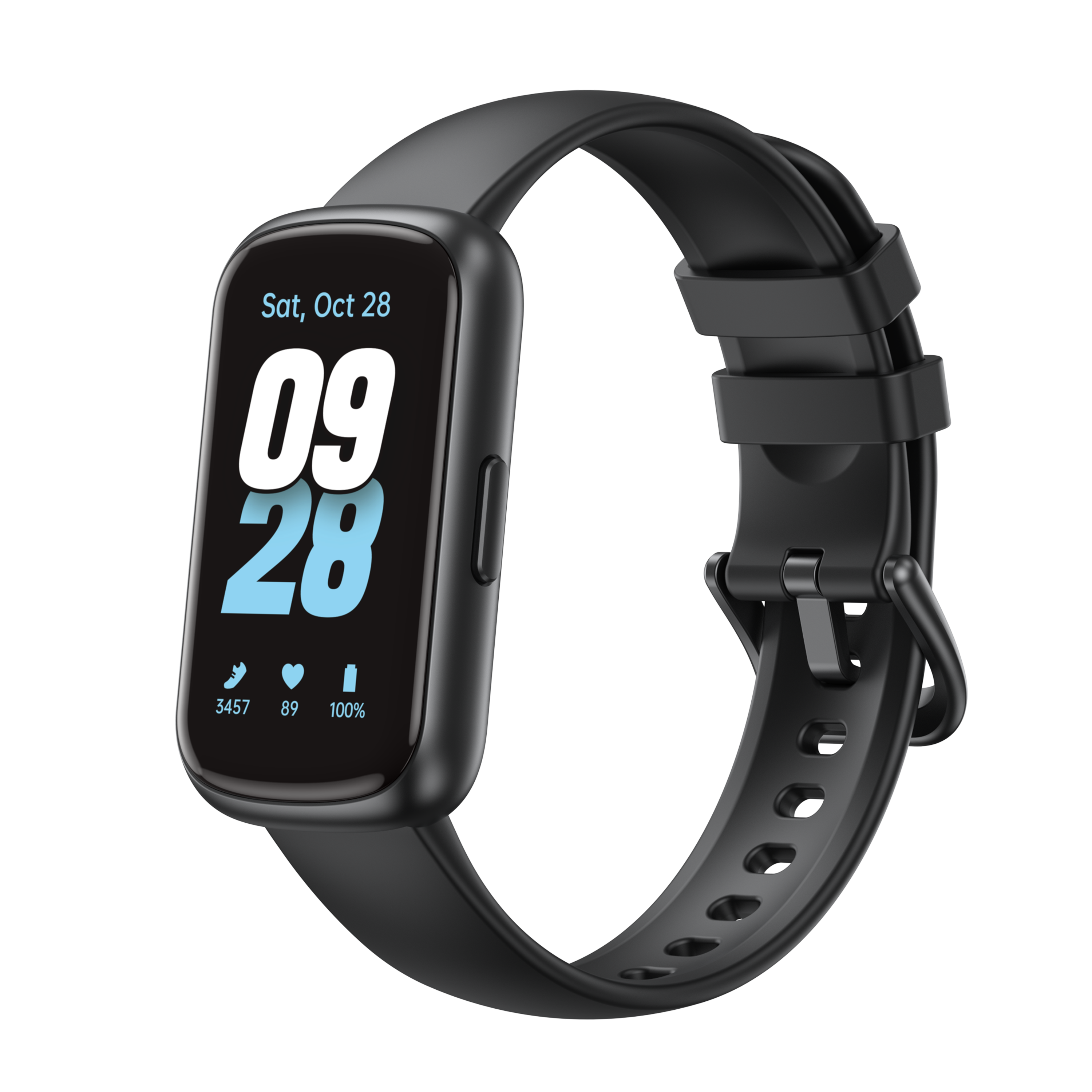
Tranya ES10
Download PDF (v2024)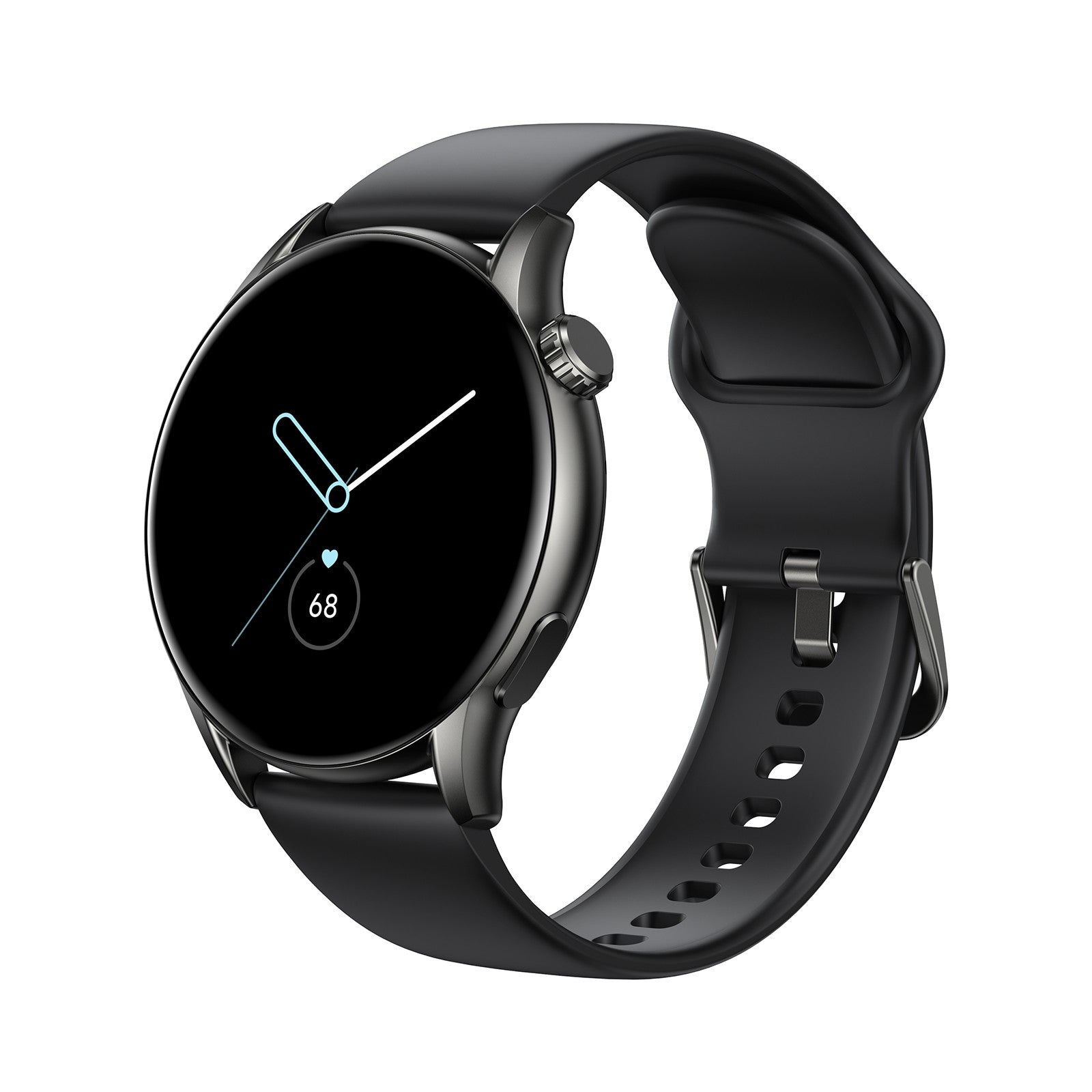
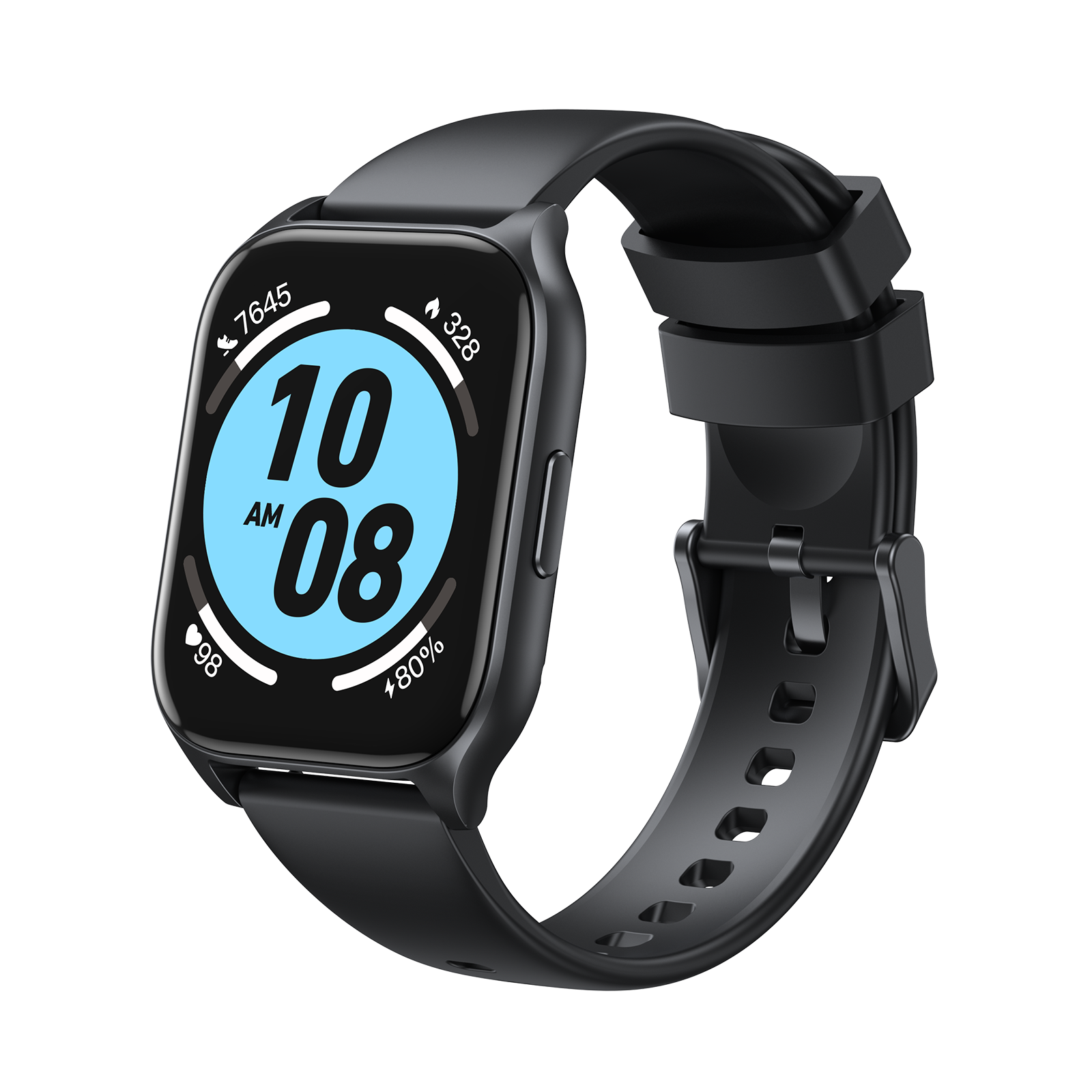
Tranya LS
Download PDF (v2024)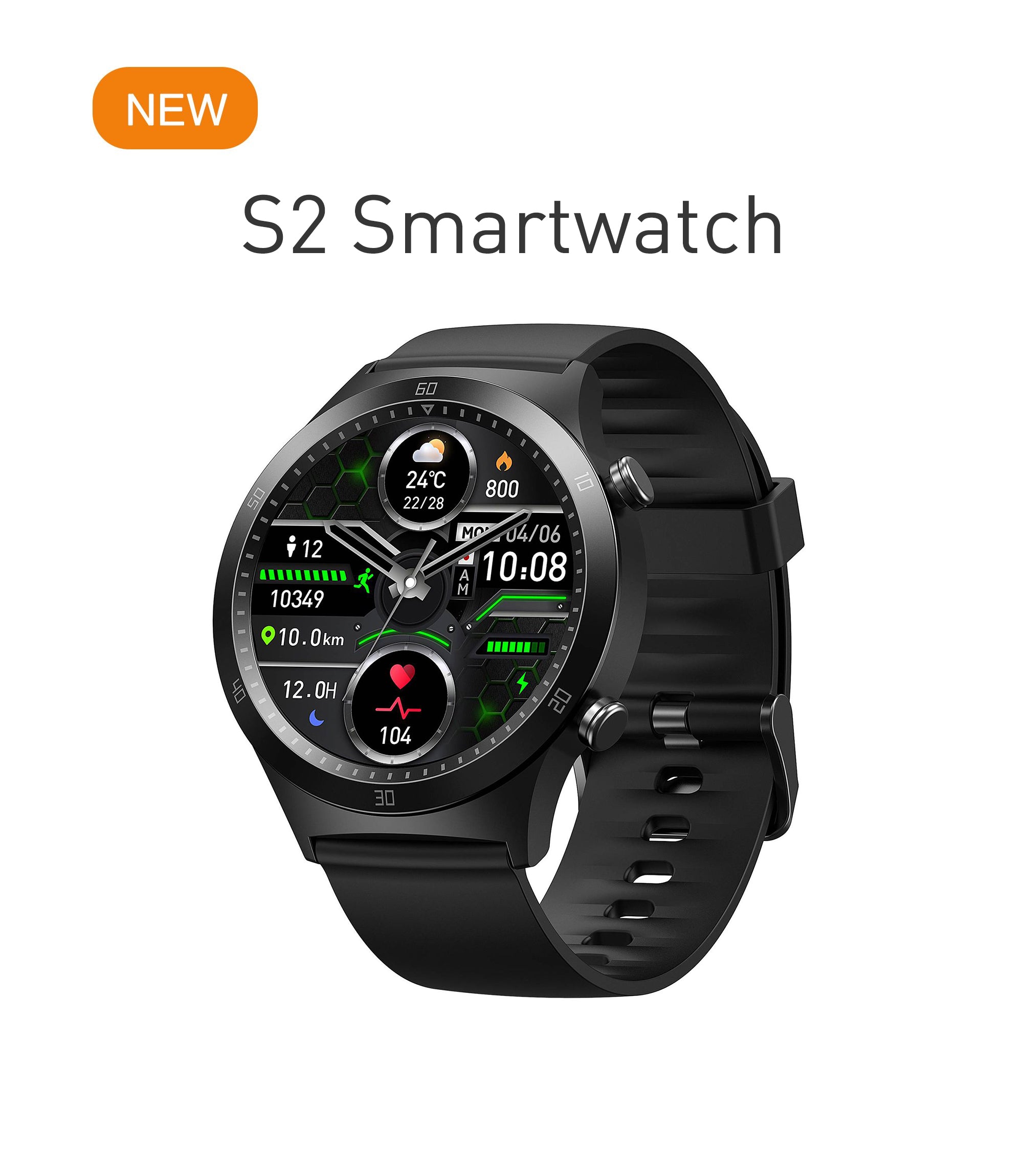
Tranya S2
Download PDF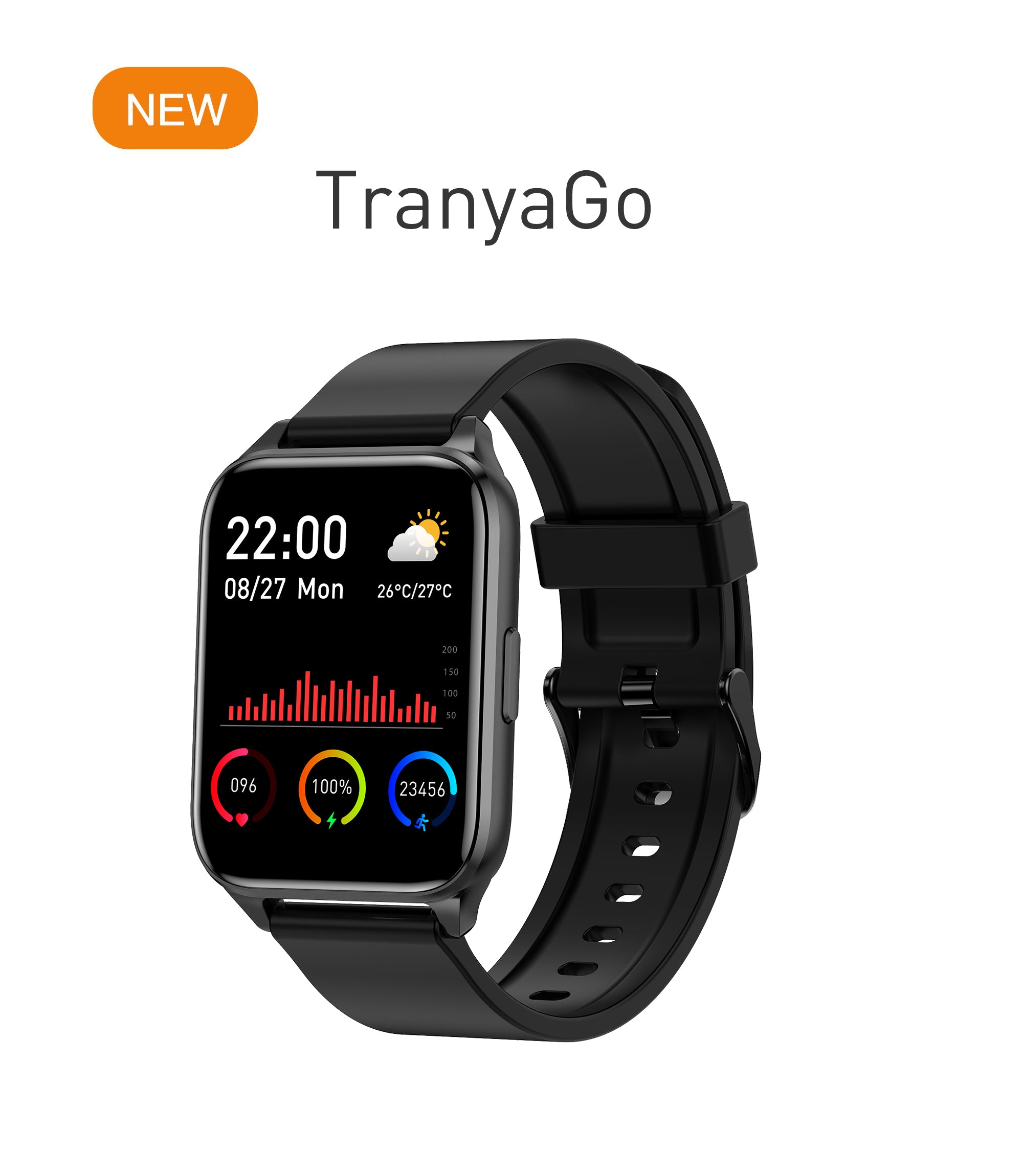
TranyaGo
Download PDFFlagship ANC & True Wireless Earbuds Studio Audio & Noise Cancellation
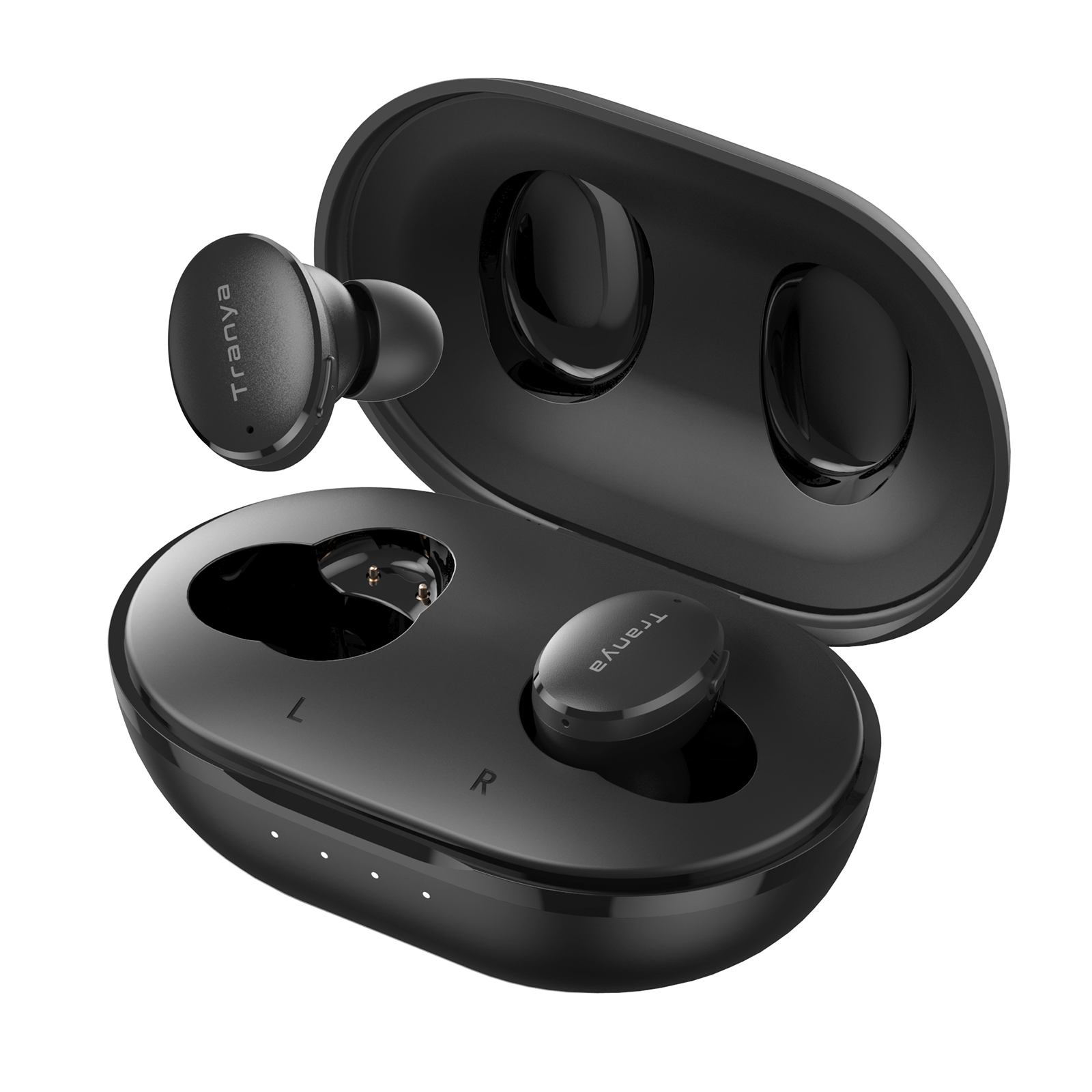
Tranya M20
Download PDF (v2024)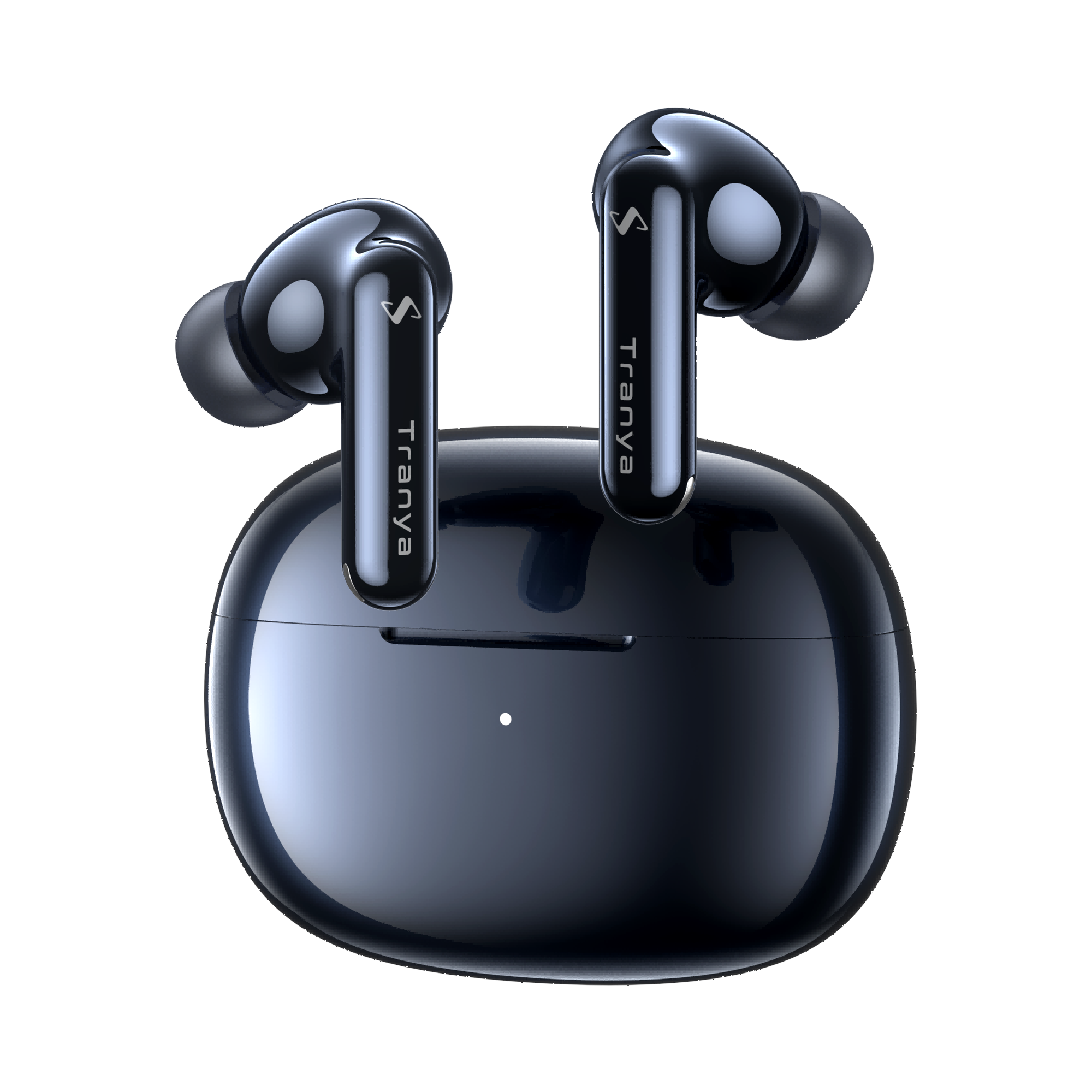
Tranya Nova
Download PDF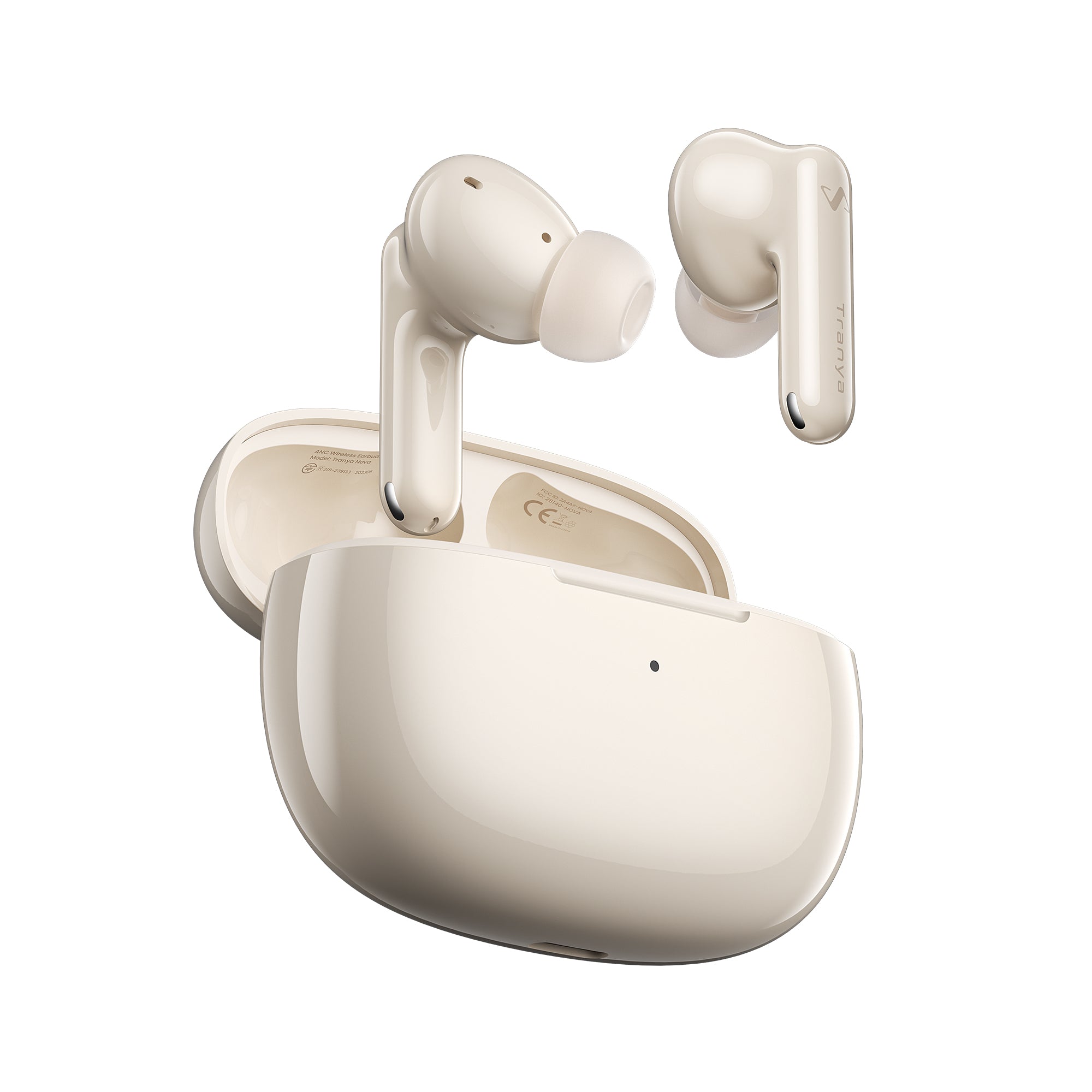
Tranya Nova Lite
Download PDF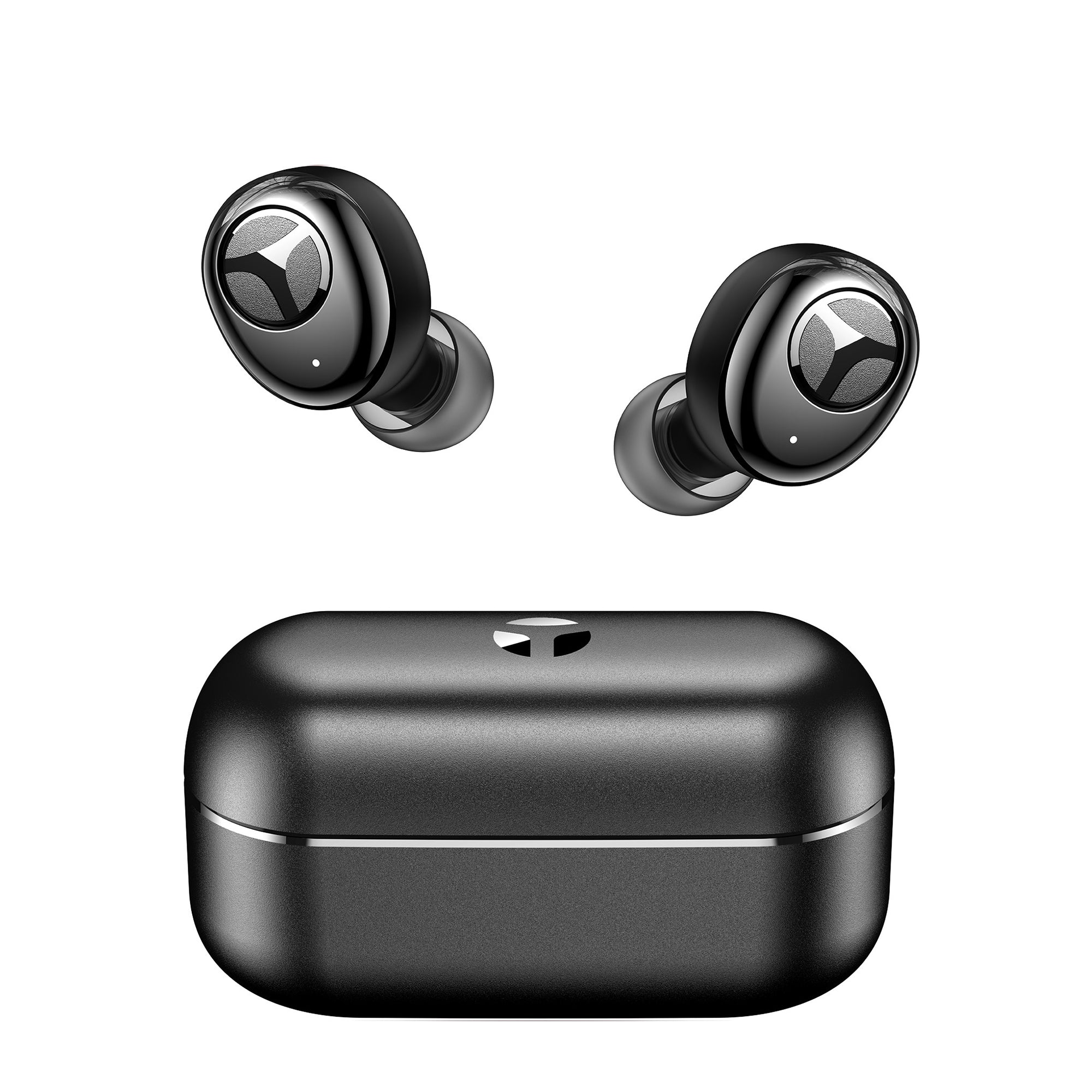
Tranya T6
Download PDF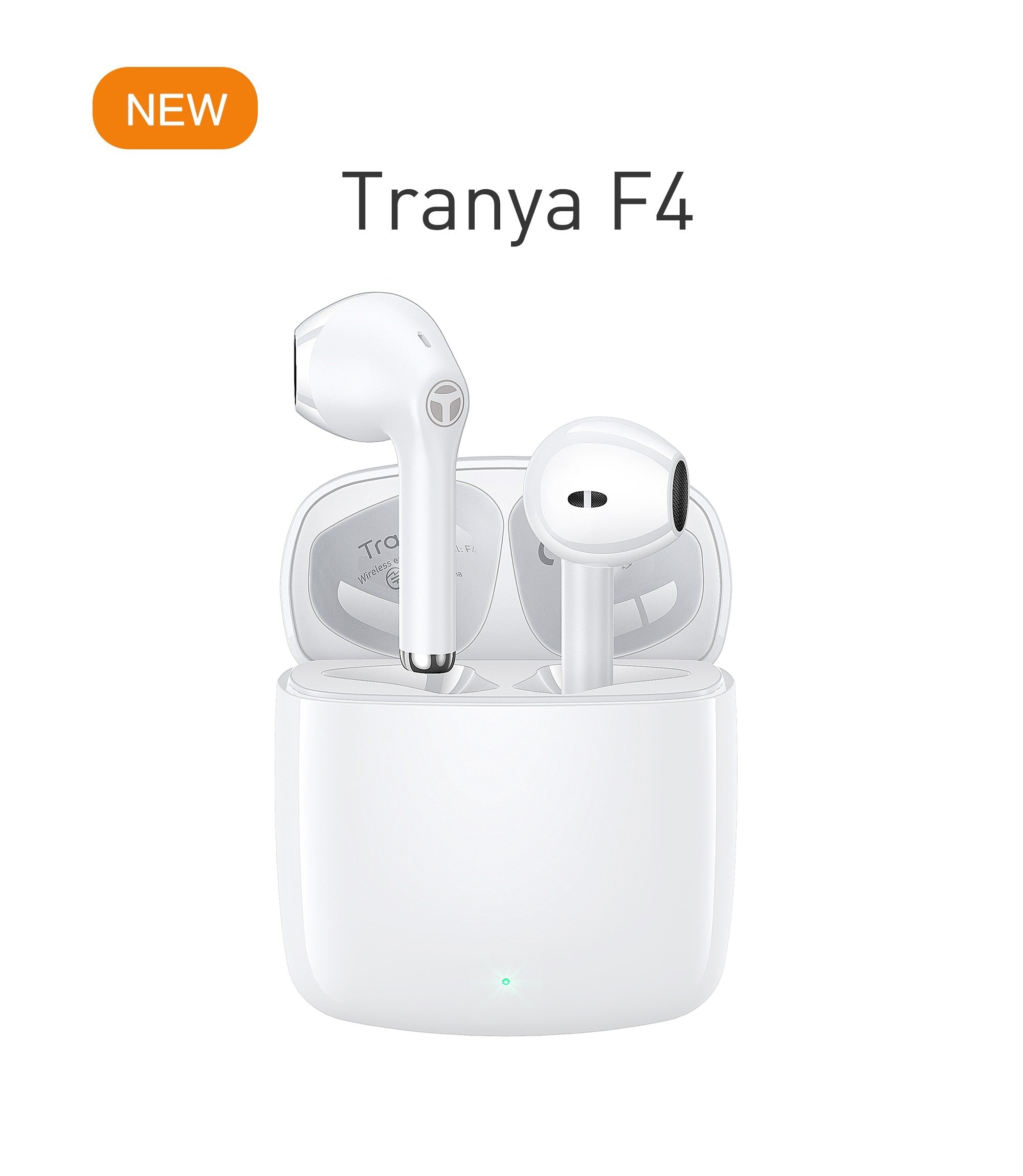
Tranya F4
Download PDF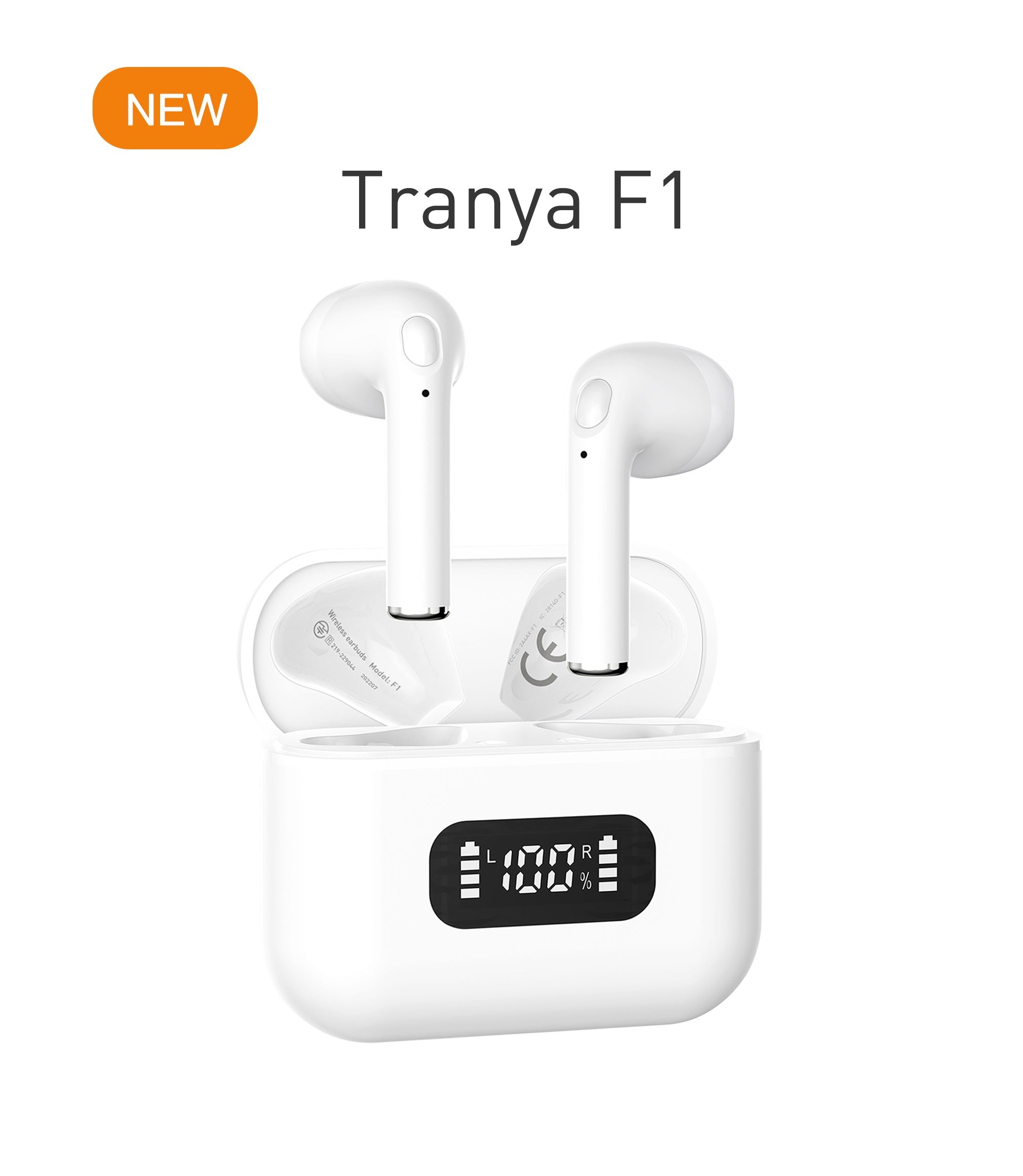
Tranya F1
Download PDF
Tranya T10 Pro
Download PDF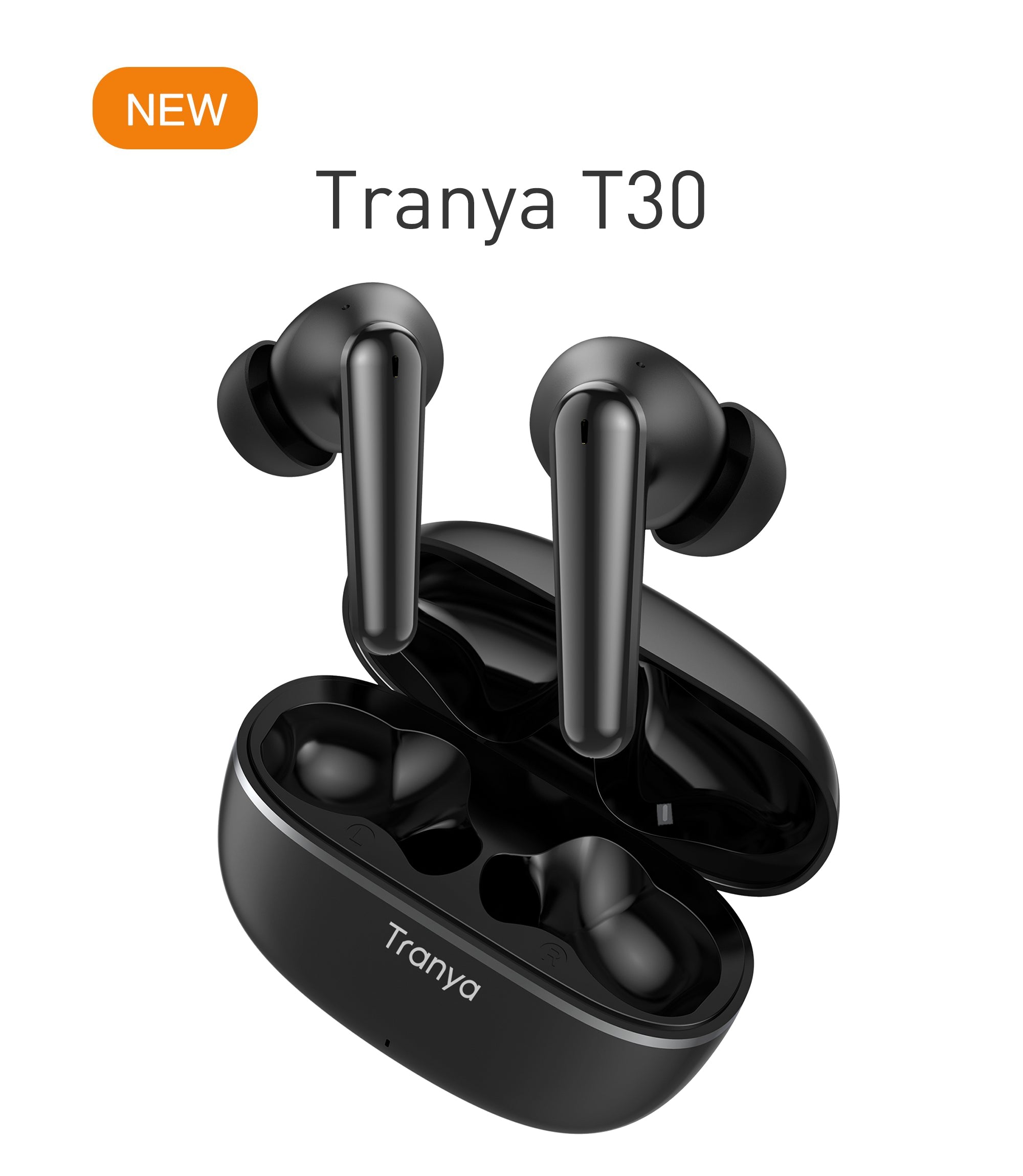
Tranya T30
Download PDFOpen-Ear, Sports & Legacy Audio Series Ergonomic & Specialized Gear
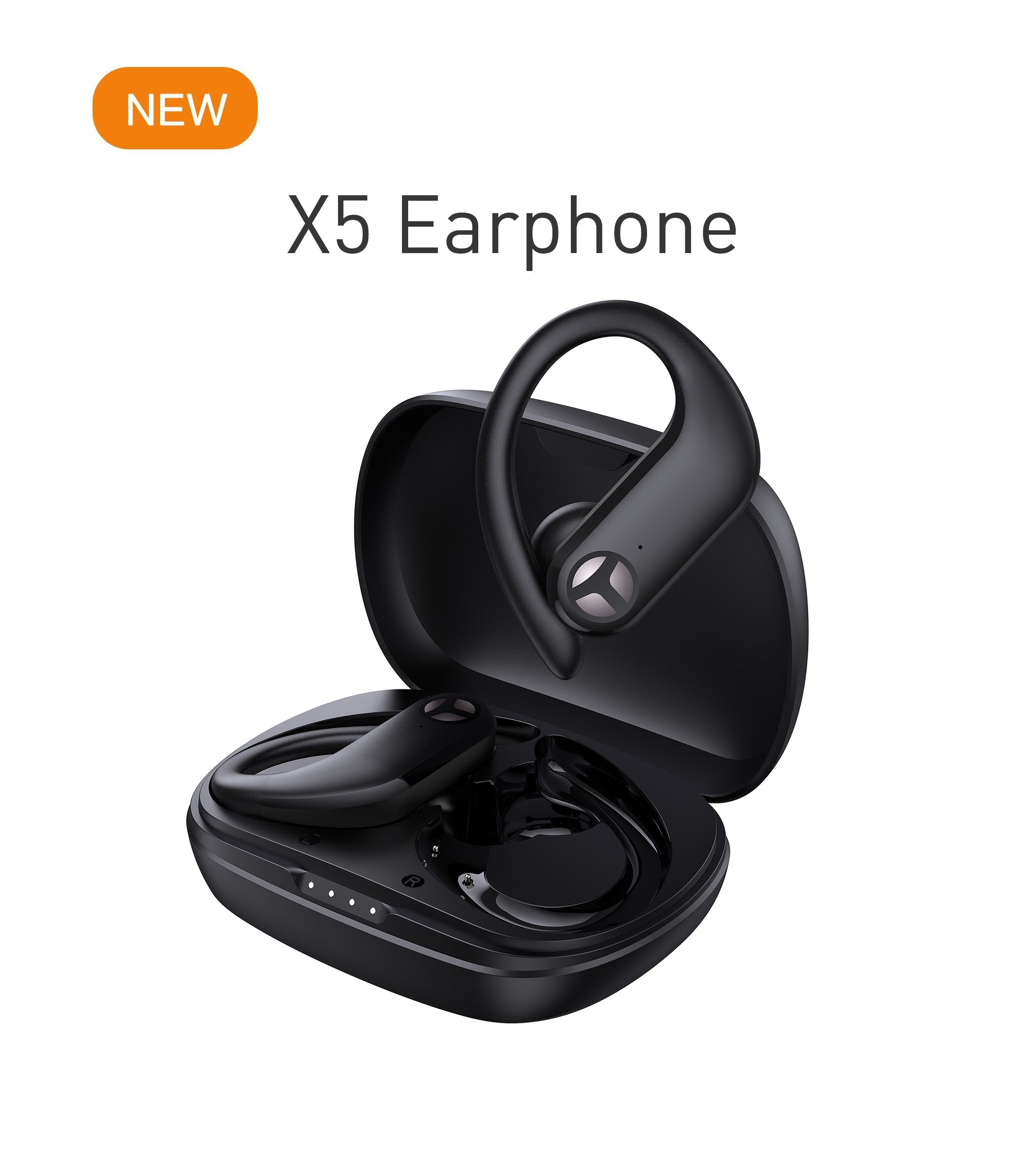
Tranya X5
Download PDF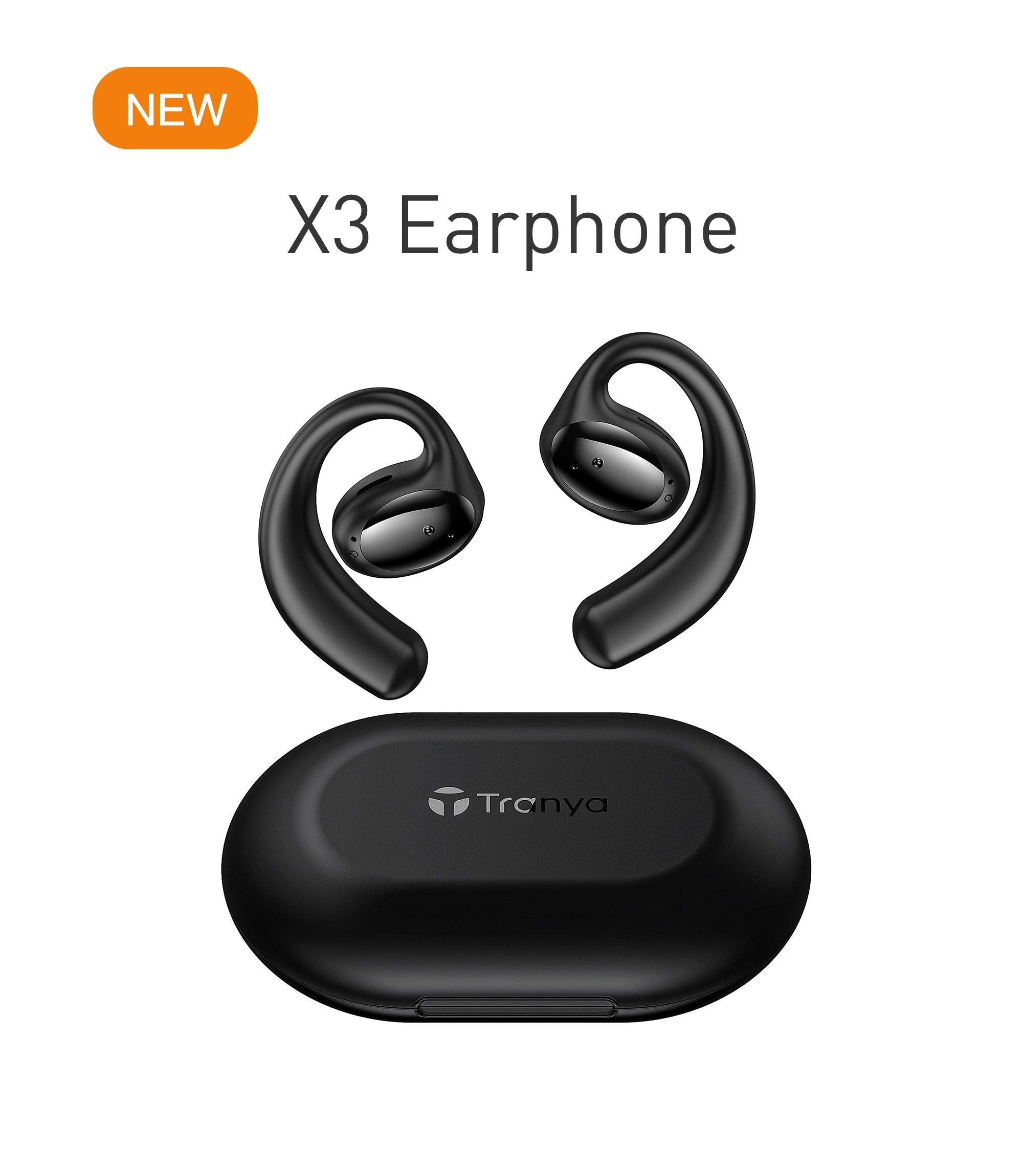
Tranya X3
Download PDF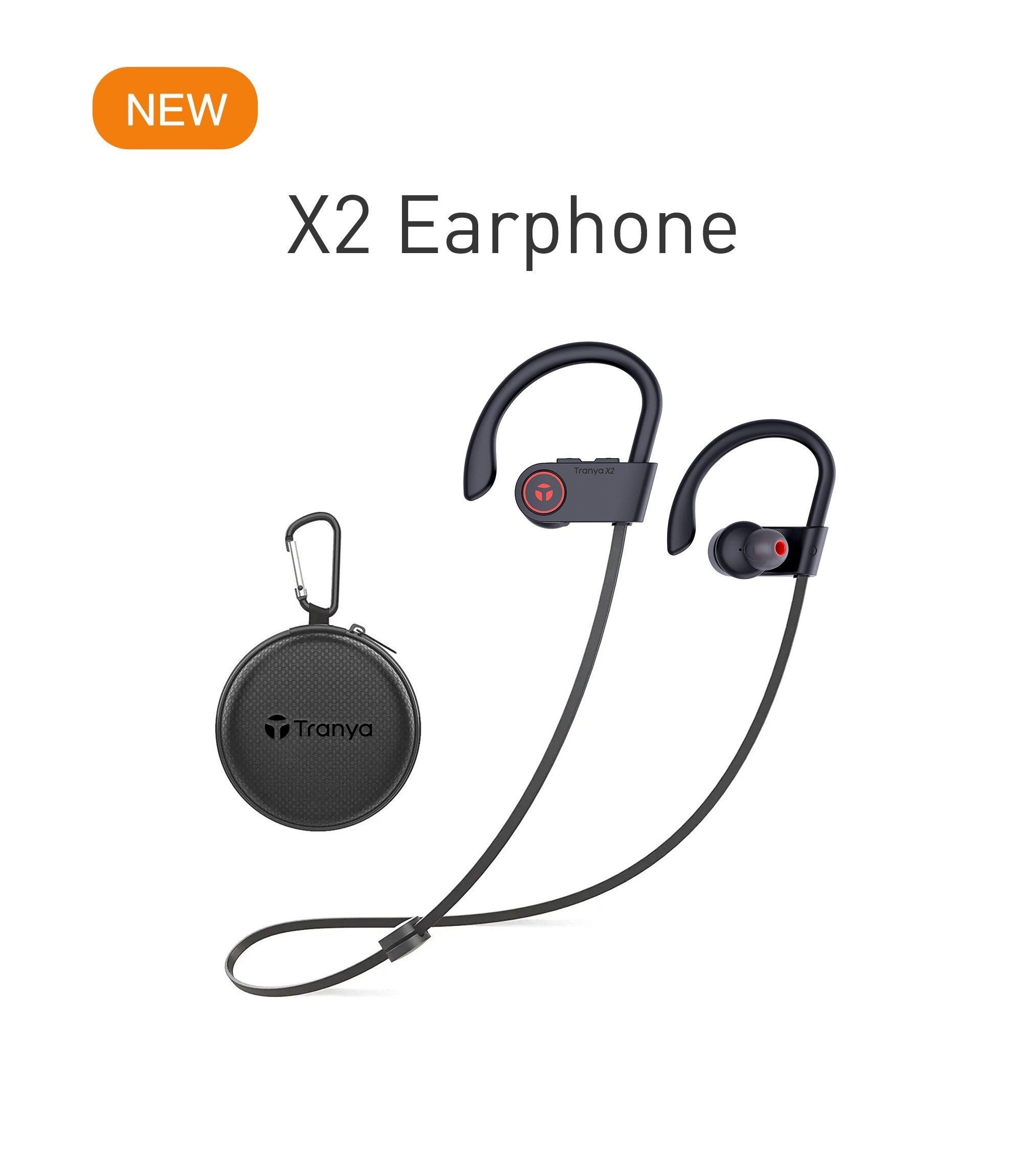
Tranya X2
Download PDF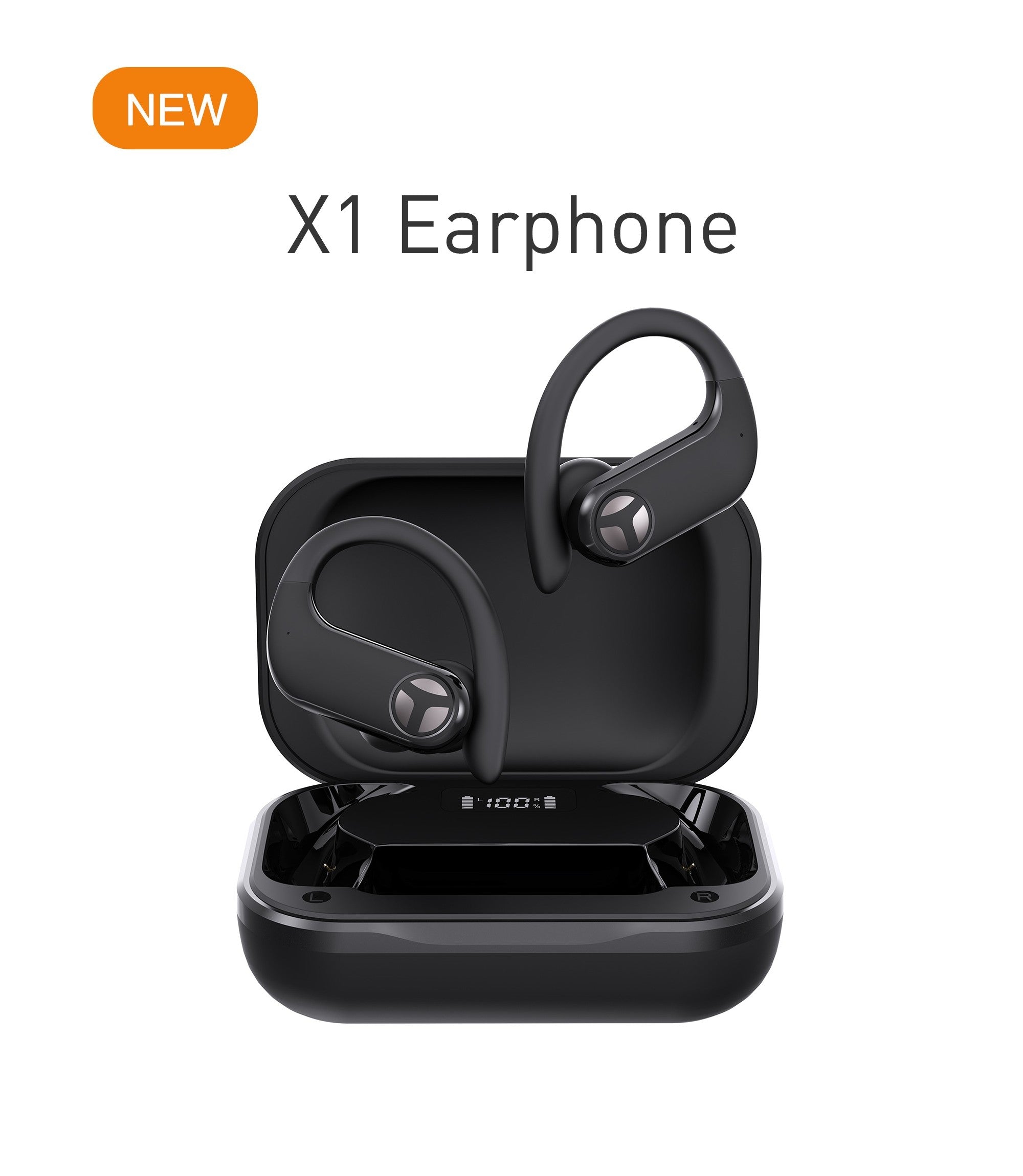
Tranya X1
Download PDF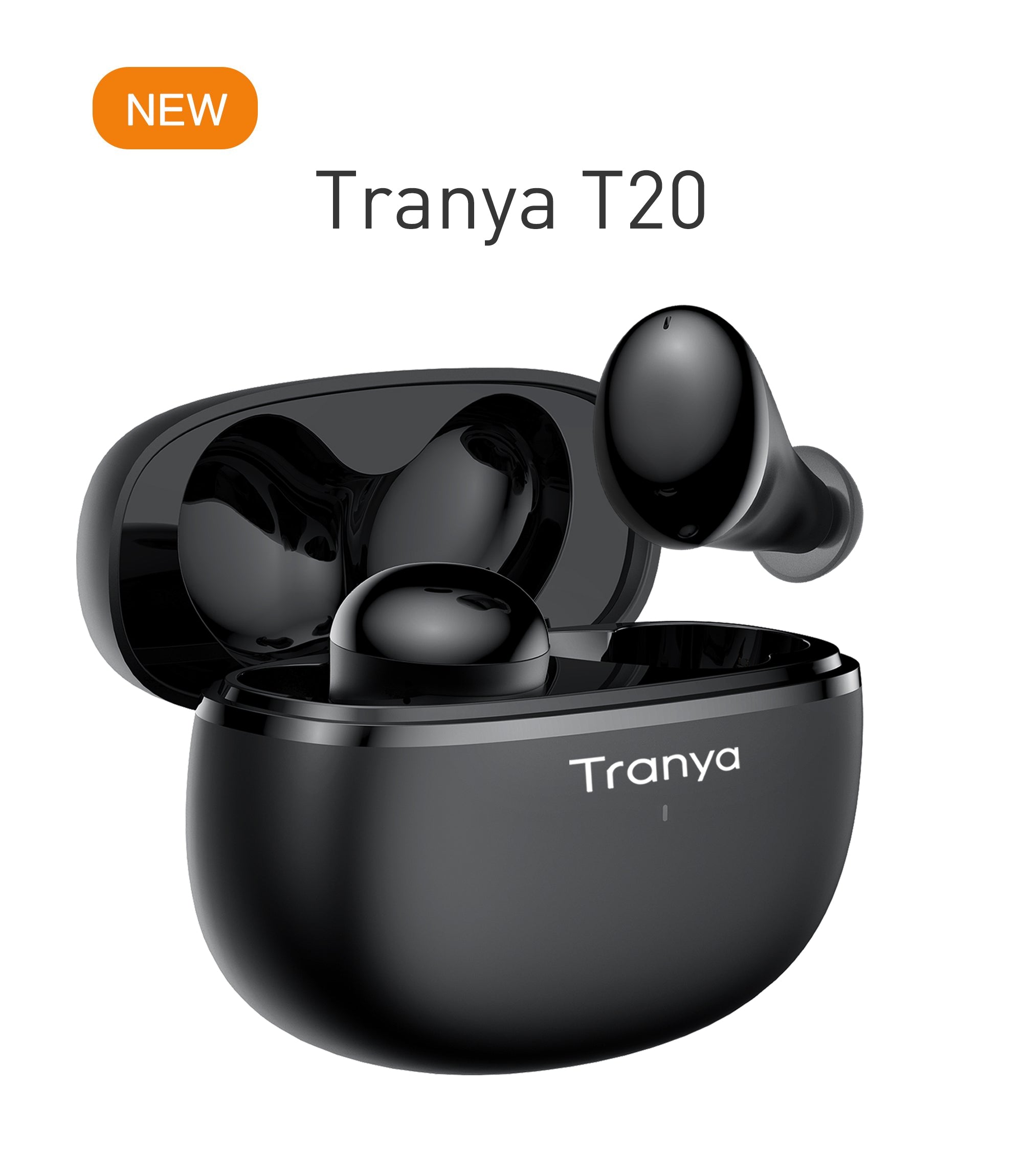
Tranya T20
Download PDF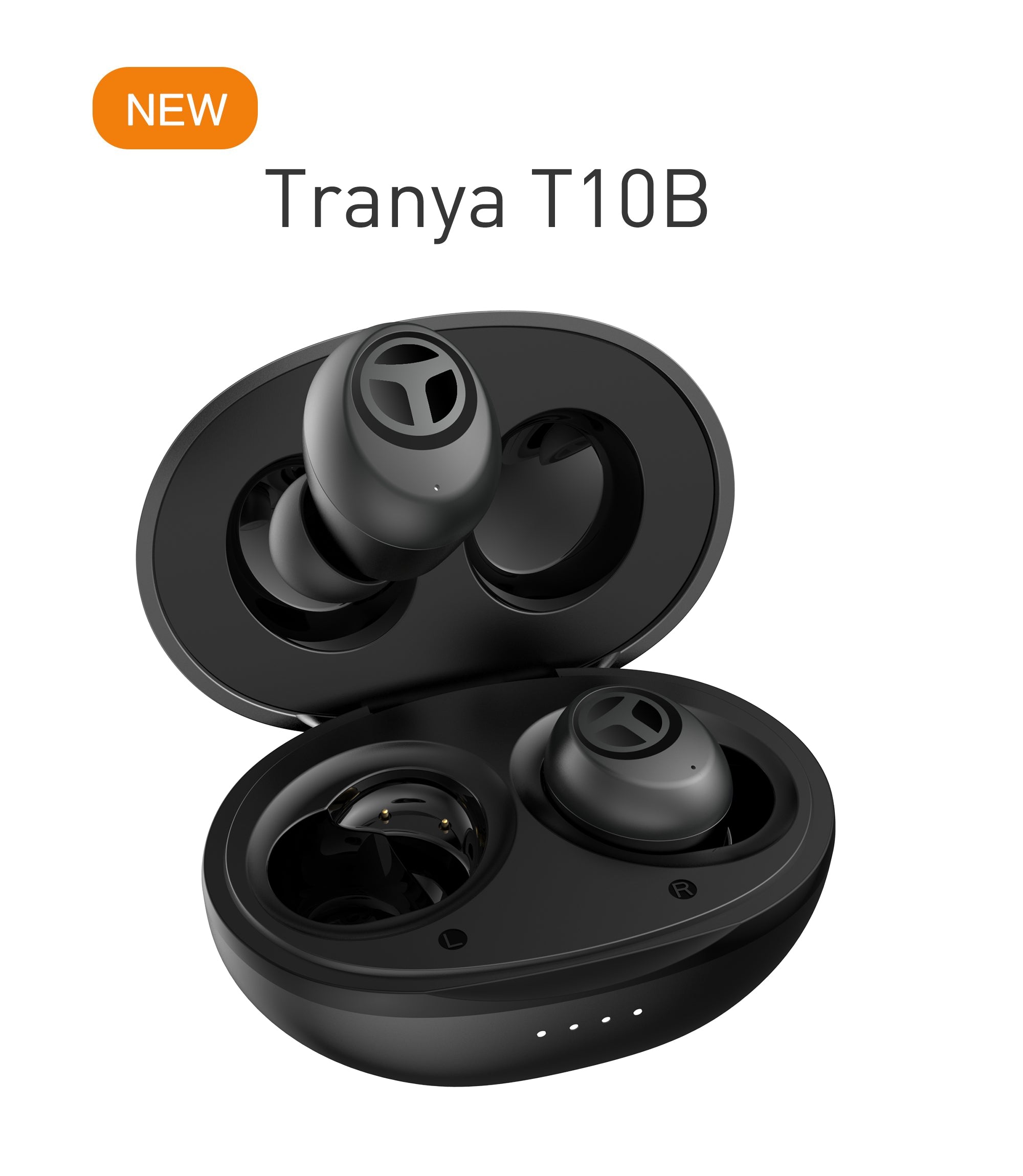
Tranya T10B
Download PDF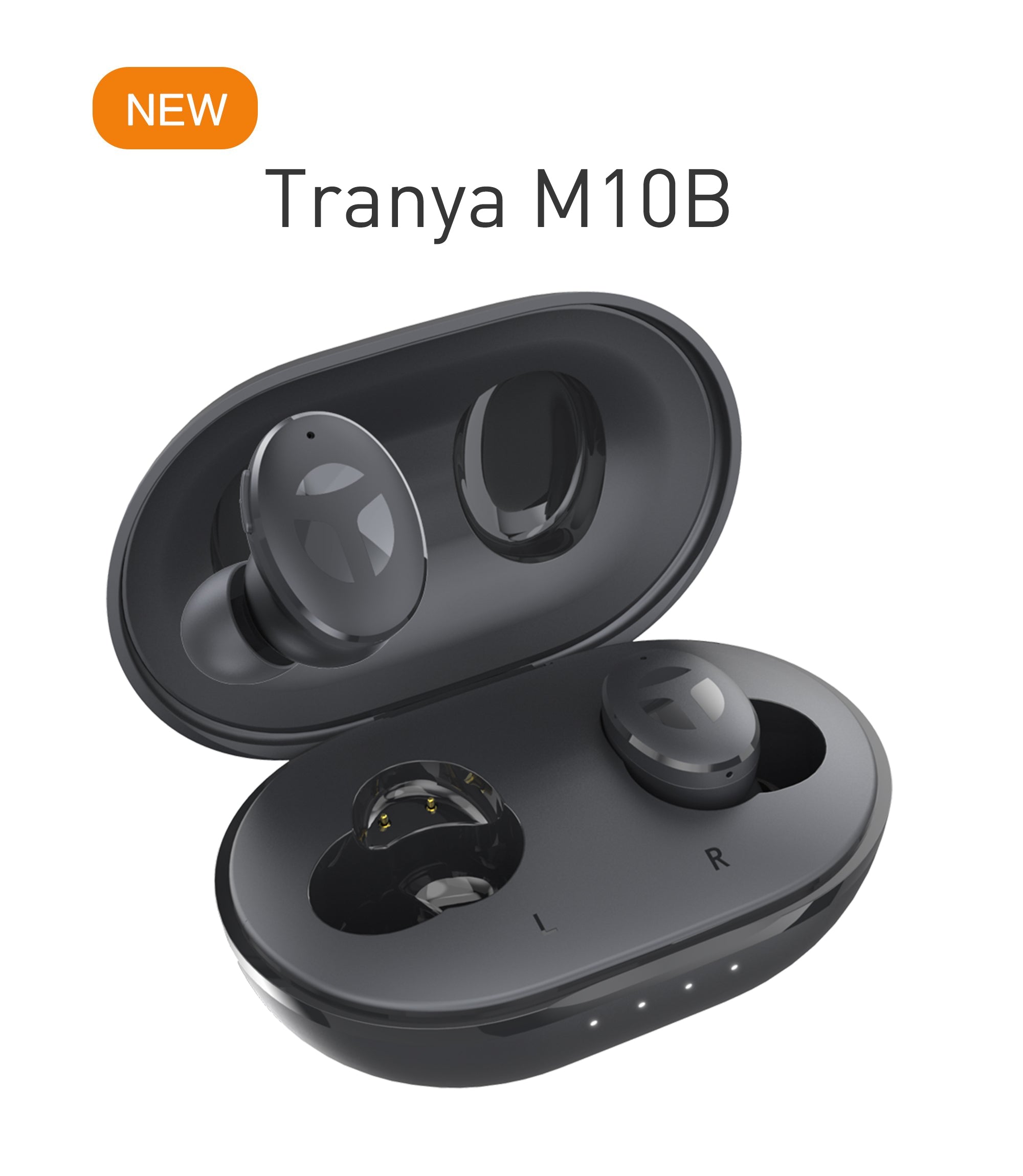
Tranya M10B
Download PDF
Tranya B530 Pro
Download PDF
Engineering Support
Standard Troubleshooting & Operational Procedures
Certified operational procedures developed by Tranya QA engineers for B2B technical teams, retailers, and end-users worldwide.
Standard Earbuds Hard Reset
Follow these steps if your earbuds experience audio desynchronization or pairing difficulties:
- Forget "Tranya [Model]" from your phone's Bluetooth paired device list.
- Place both earbuds inside the charging case ensuring solid contact.
- Hold touch buttons for 8 to 10 seconds until red/blue LED indicators flash.
- Remove both earbuds simultaneously to enter automatic master-slave pairing.
Smartwatch Synchronization
Ensure reliable phone pairing and health data tracking across iOS and Android devices:
- Download the official Tranya wearable companion app from App Store or Google Play.
- Turn on smartphone Bluetooth and enable high-accuracy location permissions.
- Pair the smartwatch directly through the application interface, not system Bluetooth.
- Allow notification access permissions for continuous call and message sync.
Battery Care & Maintenance
Maximize battery lifespan and IP-rated liquid ingress protection for long-term usage:
- Clean gold-plated charging contacts weekly using a dry lint-free microfiber swab.
- Charge using standard 5V/1A power sources; avoid uncertified fast-charging bricks.
- Ensure charging ports are completely dry before inserting Type-C cables.
- Store devices within 15°C to 25°C environments when unused for extended periods.
Require Additional Technical Support or B2B Compliance Files?
Our dedicated engineering support team provides CE, FCC, RoHS compliance certificates, MSDS battery datasheets, and technical consultation for international wholesale partners and customer queries.
Contact Us